

A Step-by-Step Guide to Reducing Your Personal Info Online
Published: December 29, 2025
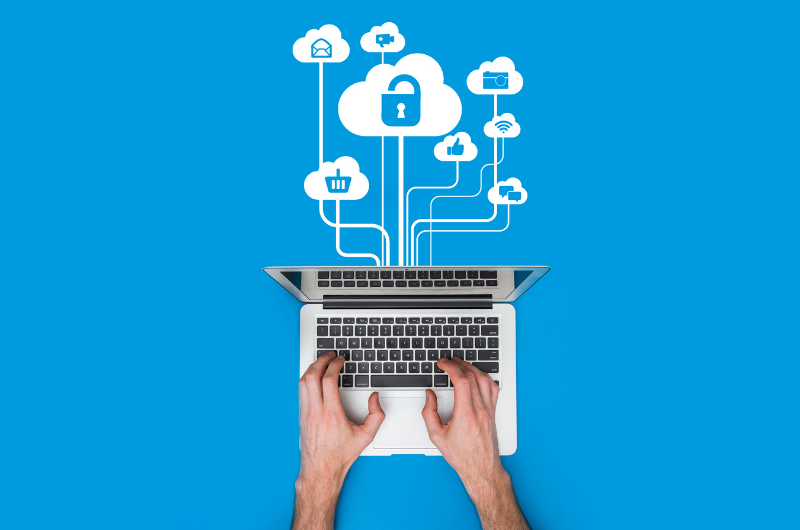
Let’s be real: if the internet were a person, it would overshare. Old usernames, random addresses, that one account you made in 2012… yeah, it’s all still out there.
The good news? You can clean it up—no tinfoil hat required.
Here’s your step-by-step guide to reducing your digital footprint and keeping your personal info on a need-to-know basis.
Step 1: Google Yourself (No Fear, Just Vibes)
Start with the basics.
Search:
- Your full name
- Name + city
- Name + phone number
- Old usernames or email addresses
What to look for:
- Data broker sites
- Old social media profiles
- Public records
- Random forums or comment sections
Pro tip: Do this in incognito mode so results aren’t personalized.
Step 2: Lock Down Your Social Media (Yes, All of It)
Even the account you “never use.”
Do a quick audit:
- Set profiles to private.
- Remove your phone number and email from your bios.
- Delete old posts with personal info (schools, addresses, job details)
- Turn off search engine indexing in account settings.
Platforms to check:
- TikTok
- X (Twitter)
- Snapchat
If it asks, “Do you want people to find you by phone number?”
The answer is absolutely not.
Step 3: Delete Old & Forgotten Accounts
Every unused account = another data risk.
How to find them:
- Search your inbox for “Welcome,” “Verify,” or “Thanks for signing up.”
- Use account-finder tools like JustDeleteMe or Have I Been Pwned.
Delete anything you don’t actively use.
If you can’t delete it? Remove personal info and change the password.
Step 4: Remove Yourself from Data Broker Sites
These sites literally sell your info. Rude.
Common ones include:
- Whitepages
- Spokeo
- BeenVerified
- PeopleFinder
- MyLife
What to do:
- Search for your name on each site.
- Follow their opt-out or removal process.
- Set a reminder to recheck every few months (they love a comeback)
Yes, it isn’t enjoyable. Yes, it’s worth it.
Step 5: Secure Your Email & Passwords
Your email is the key to everything.
Do this immediately:
- Use a password manager.
- Create unique passwords for every account.
- Enable two-factor authentication (2FA) wherever possible.
If one account gets hacked, this keeps the rest from falling like dominoes.
Step 6: Limit What You Share Going Forward
In the future, you will be grateful.
Avoid posting:
- Full birthdates
- Home addresses
- Travel plans in real time
- Screenshots with visible emails or order numbers
Ask yourself:
Would I want a stranger to know this?
If no—don’t post it.
Step 7: Set Up Alerts & Do Maintenance
Digital cleanup isn’t one-and-done.
Stay on top of it by:
- Setting Google Alerts for your name
- Reviewing privacy settings quarterly
- Checking for new data broker listings annually
Think of it like a digital oil change.
Your personal information shouldn’t be public property.
A minor cleanup goes a long way in protecting your privacy, identity, and peace of mind.
Less info online = fewer scams, fewer creeps, more control.
Article content is provided for information purposes only.